- Why Marketing Dashboard Tools Matter
- Key Features to Look for in Marketing Dashboard Tools
- 1. Data Integrations
- 2. Customizable Dashboards
- 3. Real-Time Reporting
- 4. Visual Clarity
- 5. Automation
- 6. Collaboration and Sharing
- Best Picks for Marketing Dashboard Tools
- 1. Google Looker Studio
- 2. HubSpot Marketing Analytics Dashboard
- 3. Tableau
- 4. Databox
- 5. Klipfolio
- 6. AgencyAnalytics
- How Marketing Dashboard Tools Improve Team Performance
- How to Choose the Right Tool
- Tips for Getting More Value From Your Dashboard
- Final Thoughts
Marketing Dashboard Tools: Must-Have Best Picks for Success
Marketing dashboard tools help teams turn scattered data into clear, useful insights they can act on quickly. Instead of jumping between ad platforms, analytics software, CRM systems, and spreadsheets, marketers can view performance in one place and make smarter decisions with less guesswork. Whether you run a small business, manage an agency, or lead an in-house marketing team, the right dashboard can save time, improve reporting, and reveal what is really driving growth.
In today’s fast-moving digital environment, data is everywhere. The challenge is not collecting it—it is organizing it in a way that supports strategy. That is where dashboards become essential. They make campaign performance easier to understand, help teams track KPIs in real time, and give stakeholders a simple view of what is working and what needs attention.
Why Marketing Dashboard Tools Matter
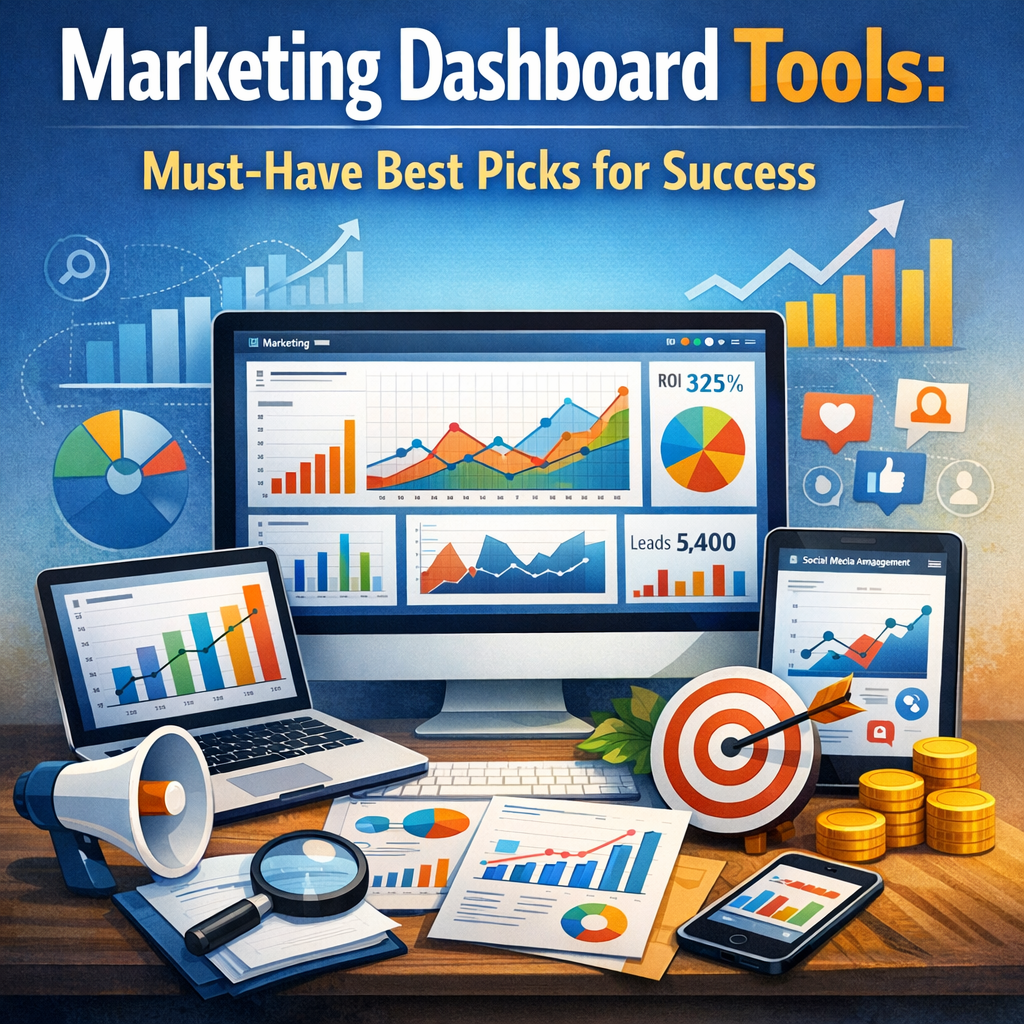
Without a centralized dashboard, marketing data often lives in silos. Paid search results may sit in one tool, social engagement in another, and website performance somewhere else entirely. That setup makes reporting slow and often unreliable.
A strong dashboard solves that problem by bringing data together into a single, visual system. It can help marketers:
– Track campaign performance across channels
– Monitor KPIs in real time
– Spot trends and issues faster
– Share results with clients or leadership clearly
– Save hours on manual reporting
– Improve budget allocation based on performance
When teams can instantly see what is happening, they can act faster and with more confidence.
Key Features to Look for in Marketing Dashboard Tools
Not every dashboard platform is built the same. Some are best for simple reporting, while others are designed for advanced analysis. Before choosing one, it helps to know which features matter most.
1. Data Integrations
A useful tool should connect easily with the platforms you already use, such as Google Analytics, Google Ads, Meta Ads, HubSpot, Salesforce, LinkedIn, email platforms, and e-commerce systems.
2. Customizable Dashboards
Every business has different goals. Look for a platform that lets you build dashboards around your KPIs, not just generic templates.
3. Real-Time Reporting
Fresh data matters. Real-time or near-real-time updates allow teams to respond quickly to campaign changes.
4. Visual Clarity
Charts, graphs, scorecards, and trend lines should be easy to read. A dashboard should simplify data, not make it more confusing.
5. Automation
Automated reporting can save significant time. Scheduled reports and alerts are especially valuable for agencies and busy teams.
6. Collaboration and Sharing
A good dashboard makes it easy to share insights with stakeholders, clients, or team members without long explanations.
Best Picks for Marketing Dashboard Tools
Here are some of the top options worth considering, depending on your business size, goals, and reporting needs.
1. Google Looker Studio
Google Looker Studio is one of the most popular choices for marketers, especially because it is free and highly flexible. It works well for businesses already using Google products like Google Analytics, Google Ads, and Search Console.
Best for: Small to mid-sized teams, agencies, and businesses that want customizable reporting without a large budget.
Pros:
– Free to use
– Strong integration with Google platforms
– Custom report building
– Shareable, easy-to-access dashboards
Cons:
– Can require setup time
– Some third-party connectors may cost extra
2. HubSpot Marketing Analytics Dashboard
HubSpot is ideal for businesses that want their marketing, sales, and customer data connected in one ecosystem. Its dashboard tools are especially useful for inbound marketing teams.
Best for: Businesses already using HubSpot CRM or planning an all-in-one marketing platform.
Pros:
– Built-in CRM connection
– Easy-to-understand visuals
– Strong lead and conversion tracking
– Great for lifecycle reporting
Cons:
– Can become expensive as needs grow
– Best value comes when using more of the HubSpot ecosystem
3. Tableau
Tableau is known for powerful data visualization and advanced analytics. It is often used by larger organizations that need deep reporting capabilities and flexible data exploration.
Best for: Large businesses, enterprise teams, and data-heavy marketing operations.
Pros:
– Excellent visualization options
– Advanced analytics features
– Strong handling of complex data sets
– Supports deep customization
Cons:
– Higher learning curve
– More expensive than simpler tools
4. Databox
Databox is designed for performance tracking and KPI monitoring. It offers strong integrations and pre-built templates, making it a good option for marketers who want fast setup.
Best for: Agencies, startups, and teams focused on tracking goals and presenting results clearly.
Pros:
– Easy to use
– Mobile-friendly dashboards
– Good template library
– Excellent for KPI tracking
Cons:
– Some advanced customization can be limited
– Premium features may require higher-tier plans
5. Klipfolio
Klipfolio is a flexible business dashboard tool with solid marketing use cases. It supports real-time data connections and lets users create highly customized visual reports.
Best for: Teams that want a balance between customization and operational reporting.
Pros:
– Real-time dashboards
– Strong customization
– Wide range of connectors
– Useful for combining marketing and business metrics
Cons:
– Interface may take time to learn
– Setup can be more technical for beginners
6. AgencyAnalytics
AgencyAnalytics is built specifically for marketing agencies. It focuses on client reporting, white-label dashboards, and multi-channel marketing data.
Best for: Agencies that need polished, client-ready reports.
Pros:
– Agency-focused features
– White-label reporting
– Easy client access
– Integrates with many marketing platforms
Cons:
– Less relevant for non-agency teams
– More focused on reporting than deep analysis
How Marketing Dashboard Tools Improve Team Performance
One of the biggest benefits of using marketing dashboard tools is alignment. When everyone works from the same data source, teams spend less time debating numbers and more time improving results.
For example, a content team can see which landing pages generate leads, while a paid media team can track ad spend and conversions in the same environment. Leadership can then compare performance across channels without waiting for manual reports.
Dashboards also encourage accountability. When goals are visible, it becomes easier to measure progress and understand which activities contribute most to success.
How to Choose the Right Tool
The best platform depends on your needs, not just on popularity. Ask these questions before deciding:
– Which platforms do you need to connect?
– Do you need basic reporting or advanced analytics?
– Who will use the dashboard?
– How important is automation?
– Do you need client-facing reports?
– What is your budget?
A small business may do very well with Looker Studio or Databox, while an enterprise team may need Tableau for more advanced analysis. Agencies often benefit most from AgencyAnalytics because of its client reporting features.
Tips for Getting More Value From Your Dashboard
Even the best software will not help much if the dashboard is cluttered or poorly planned. To get the most out of it:
– Focus on a small set of high-impact KPIs
– Create separate views for executives, marketers, and clients
– Review dashboards regularly, not just monthly
– Use consistent naming conventions
– Set benchmarks and goals for easier interpretation
– Remove vanity metrics that do not support decisions
A dashboard should guide action. If it is overloaded with data that no one uses, it becomes another report people ignore.
Final Thoughts
The right dashboard can transform the way a marketing team works. It reduces manual effort, improves visibility, and helps everyone make more informed decisions. From free tools like Google Looker Studio to advanced platforms like Tableau and agency-focused options like AgencyAnalytics, there is a strong solution for nearly every use case.
The smartest choice is the one that fits your workflows, your reporting needs, and your growth stage. When selected carefully and used consistently, a dashboard becomes more than a reporting tool—it becomes a central part of marketing success.