- Why SEO Monitoring Matters
- What to Look for in SEO Monitoring Tools
- 1. Rank Tracking
- 2. Technical Site Audits
- 3. Backlink Monitoring
- 4. Competitor Insights
- 5. Reporting and Alerts
- Best SEO Monitoring Tools to Consider
- SEO Monitoring Tools for Keyword and Visibility Tracking
- Semrush
- Ahrefs
- SE Ranking
- SEO Monitoring Tools for Technical Health
- Google Search Console
- Screaming Frog SEO Spider
- Sitebulb
- Tools for Analytics and Performance Measurement
- Google Analytics 4
- Looker Studio
- How to Build an Effective Monitoring Stack
- Tips for Using SEO Monitoring Tools More Effectively
- Set clear KPIs
- Monitor trends, not just snapshots
- Use alerts wisely
- Review competitors regularly
- Turn insights into action
- Choosing the Right Tool for Your Needs
- Final Thoughts
SEO Monitoring Tools: Best Must-Have Solutions for Effortless Growth
SEO monitoring tools are essential for anyone who wants to grow organic traffic without relying on guesswork. Whether you run a small business website, manage an ecommerce store, or oversee multiple client campaigns, these platforms help you track rankings, spot technical issues, analyze competitors, and measure progress over time. Instead of reacting to sudden traffic drops after they happen, you can identify warning signs early and make smarter, faster decisions.
Search engine optimization is no longer just about adding keywords to a page and hoping for results. Modern SEO involves site health, user experience, backlinks, indexing, content quality, search intent, and constant algorithm changes. That is why the right monitoring setup can make the difference between steady growth and missed opportunities.
Why SEO Monitoring Matters
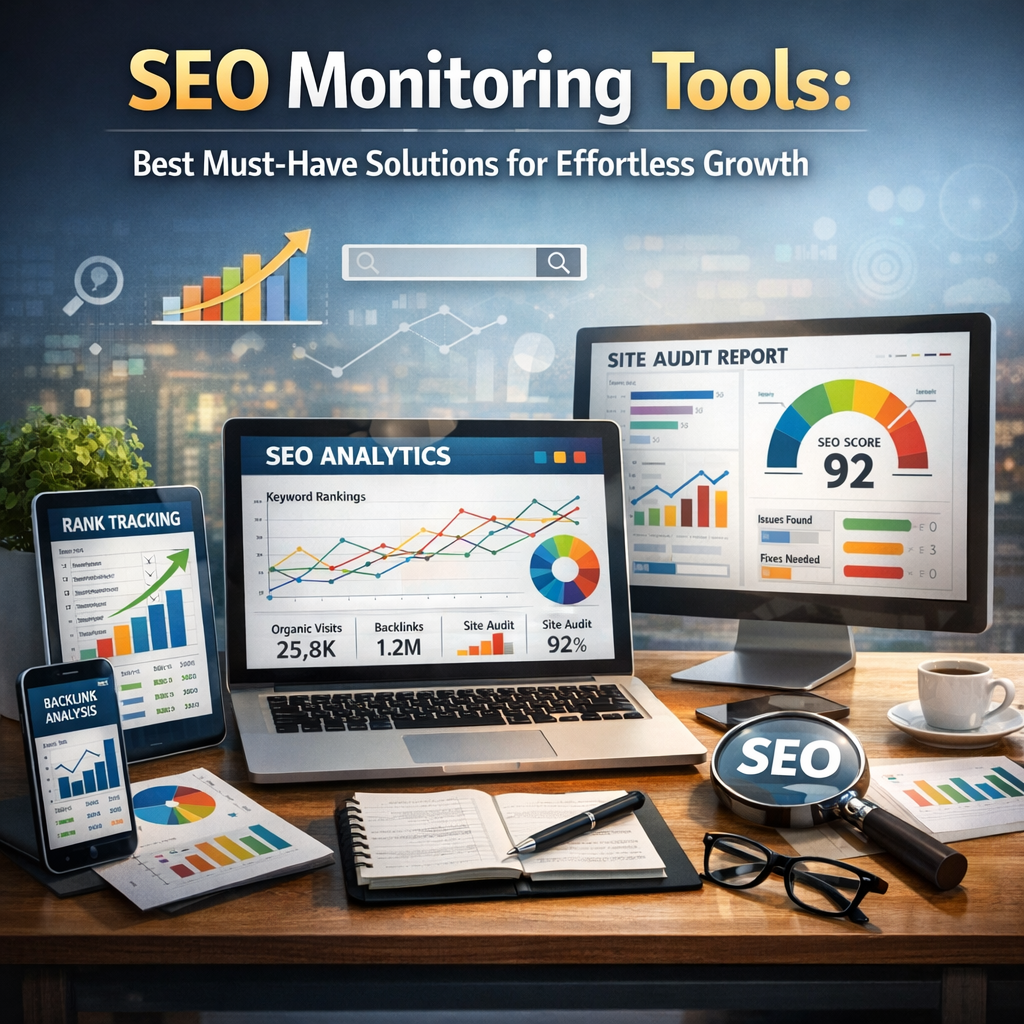
SEO is a long-term strategy, but it needs ongoing attention. Rankings can shift overnight. Pages can lose visibility due to broken links, slow loading times, duplicate content, or stronger competition. If you are not monitoring these changes, you may not know something is wrong until leads and sales begin to decline.
Good monitoring helps you:
– Track keyword rankings over time
– Discover technical SEO problems quickly
– Identify pages gaining or losing traffic
– Monitor backlink growth and risk
– Compare your performance against competitors
– Understand what content is driving results
– Improve decision-making with real data
In short, monitoring turns SEO from a vague effort into a measurable growth system.
What to Look for in SEO Monitoring Tools
Not all platforms offer the same value. Some focus heavily on keyword tracking, while others are better for technical audits or competitor analysis. The best choice depends on your goals, but most strong tools include a few core capabilities.
1. Rank Tracking
A solid tool should let you monitor target keywords across locations, devices, and search engines. This gives you a realistic picture of how your pages perform in the real world.
2. Technical Site Audits
Technical SEO issues can quietly damage performance. Look for tools that can detect crawl errors, broken pages, missing metadata, redirect chains, duplicate content, and indexing issues.
3. Backlink Monitoring
Backlinks remain a strong ranking signal. A good platform should show new links, lost links, toxic links, and overall domain authority trends.
4. Competitor Insights
SEO does not happen in isolation. Monitoring what competitors rank for, which pages perform best, and where they earn backlinks can uncover opportunities you may be missing.
5. Reporting and Alerts
Automated reports and instant alerts save time. If rankings drop, pages break, or traffic shifts significantly, you should know right away.
Best SEO Monitoring Tools to Consider
There is no single perfect platform for every team, but several tools consistently stand out for reliability and depth.
SEO Monitoring Tools for Keyword and Visibility Tracking
Semrush
Semrush is one of the most popular all-in-one SEO platforms. It offers rank tracking, competitor research, backlink analysis, site audits, and content insights in one dashboard. It is especially useful for marketers who want a broad view of performance and competitive trends.
Best for: Businesses and agencies that need a complete SEO toolkit
Strengths:
– Powerful keyword tracking
– Detailed competitor data
– Site audit and backlink features
– Strong reporting options
Ahrefs
Ahrefs is widely respected for backlink intelligence and keyword research. It also offers site audits, rank tracking, and competitive analysis. Many SEO professionals prefer it for link monitoring and content gap discovery.
Best for: Teams focused on backlinks, content opportunities, and competitor research
Strengths:
– Excellent backlink database
– Strong keyword and content analysis
– Easy-to-use interface
– Reliable tracking over time
SE Ranking
SE Ranking is a strong option for smaller businesses and growing agencies. It combines keyword tracking, website audits, competitor analysis, and white-label reporting at a more accessible price point.
Best for: Small to mid-sized businesses that want solid features without enterprise costs
Strengths:
– Affordable plans
– Accurate rank tracking
– Good local SEO capabilities
– Useful reporting tools
SEO Monitoring Tools for Technical Health
Google Search Console
Google Search Console is a must-have because it provides direct insight from Google itself. You can see indexing issues, search queries, click-through rates, page performance, and core web vitals. While it is not as feature-rich as premium platforms, it is essential and free.
Best for: Every website owner
Strengths:
– Free and reliable
– Indexing and coverage insights
– Search performance data
– Alerts for manual actions and issues
Screaming Frog SEO Spider
Screaming Frog is a desktop-based crawler that helps identify technical SEO problems across your site. It is especially useful for audits, large websites, and detailed diagnostics.
Best for: Technical SEO specialists and advanced users
Strengths:
– Deep crawl analysis
– Finds broken links and redirect issues
– Detects duplicate content
– Great for technical troubleshooting
Sitebulb
Sitebulb presents technical audit data in a more visual and user-friendly way. It helps teams understand issues clearly and prioritize fixes based on impact.
Best for: Users who want easier-to-read technical insights
Strengths:
– Clear visual reports
– Actionable recommendations
– Strong crawl analysis
– Helpful for presentations and client work
Tools for Analytics and Performance Measurement
Google Analytics 4
GA4 helps you understand what happens after users arrive on your site. While it is not strictly an SEO tool, it plays a critical role in measuring organic traffic, engagement, conversions, and user behavior.
Best for: Connecting SEO activity to business outcomes
Strengths:
– Tracks traffic sources and conversions
– Measures user engagement
– Helps evaluate landing page performance
– Free to use
Looker Studio
Looker Studio allows you to combine data from Search Console, GA4, and other platforms into custom dashboards. This is ideal for teams that want simpler reporting and a better visual overview of SEO performance.
Best for: Customized reporting and stakeholder communication
Strengths:
– Flexible dashboards
– Easy data visualization
– Helpful for monthly reporting
– Works well with Google tools
How to Build an Effective Monitoring Stack
You do not always need one expensive platform to do everything. In many cases, the best setup combines several tools.
For example:
– Google Search Console for indexing and search visibility
– GA4 for traffic and conversion analysis
– Semrush or Ahrefs for rank tracking and competitor research
– Screaming Frog or Sitebulb for technical audits
This combination gives you both high-level insight and detailed diagnostics.
Tips for Using SEO Monitoring Tools More Effectively
Buying software is only the first step. To get real value, you need a consistent process.
Set clear KPIs
Track metrics that matter to your goals, such as:
– Organic traffic growth
– Non-branded keyword rankings
– Conversion rate from organic traffic
– Backlink quality and quantity
– Technical error count
Monitor trends, not just snapshots
One ranking drop does not always mean a major problem. Look for patterns over weeks and months before making conclusions.
Use alerts wisely
Set alerts for meaningful changes like:
– Major ranking losses
– Pages dropping out of the index
– Sudden traffic declines
– New broken links or crawl issues
Review competitors regularly
Competitor monitoring can reveal emerging topics, link-building opportunities, and pages that deserve refreshing.
Turn insights into action
Monitoring is useful only when it leads to improvements. Schedule regular SEO reviews so data becomes action rather than just another report.
Choosing the Right Tool for Your Needs
The right platform depends on your budget, team size, and SEO maturity.
– Beginners may start with Google Search Console, GA4, and SE Ranking
– Growing businesses may benefit from Semrush or Ahrefs for broader visibility
– Technical teams often rely on Screaming Frog or Sitebulb for deeper audits
– Agencies typically need reporting, white-label features, and competitor tracking in one place
Before committing, test free trials and think about which insights you will actually use. A complex tool is not helpful if your team does not have time to act on the data.
Final Thoughts
SEO growth becomes much easier when you stop relying on assumptions and start tracking what really affects performance. The best monitoring setup helps you catch technical issues early, measure ranking progress, understand user behavior, and stay ahead of competitors. Whether you choose a full-suite platform or a mix of specialized solutions, the key is consistency.
With the right seo monitoring tools, you can make smarter decisions, protect your visibility, and build a more predictable path to long-term organic growth.